
To fix remote-controlled sauna problems, first check your batteries and guarantee they’re installed correctly. For IR remotes, clear any obstacles blocking the signal path, while RF remotes should be kept away from other electronics. Reset your control panel by unplugging it for 10 seconds if you’re experiencing glitches. Clean your panel regularly with sauna-safe cleaners and inspect wiring quarterly for damage. Proper maintenance and understanding signal interference will keep your sauna sessions uninterrupted.
Remote Control Signal Interference: Causes and Solutions
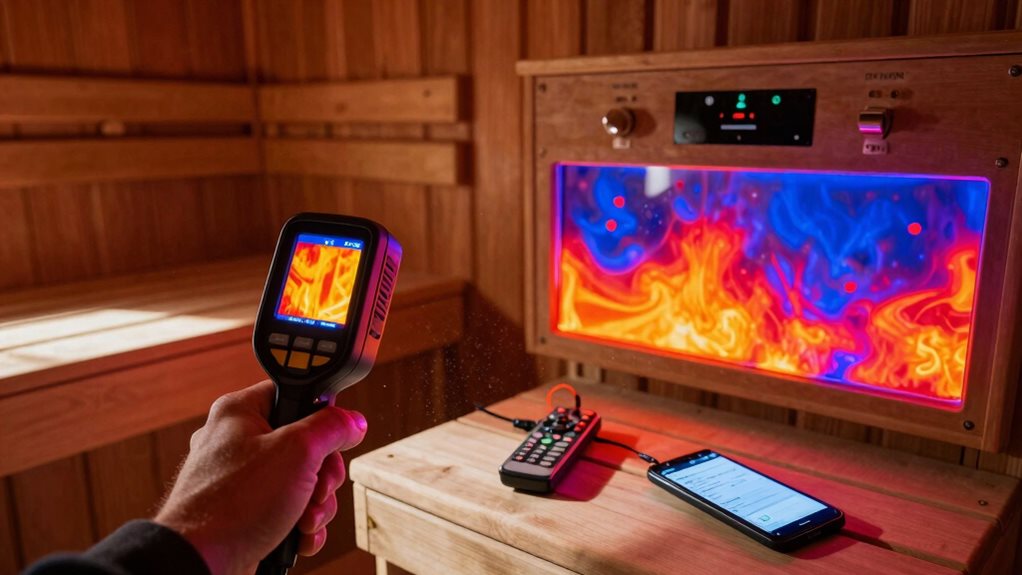
When your sauna remote control isn’t working properly, signal interference is often the culprit.
Two types of remotes—infrared (IR) and radio frequency (RF)—face different challenges in sauna environments.
IR remotes require a clear line of sight, so physical objects, bright sunlight, or certain lighting can block signals. You’ll know there’s interference if your remote works only when you’re very close to the receiver.
To fix this, clear obstacles between your remote and receiver, and clean both surfaces.
RF remotes, while able to work through walls, struggle with competing signals. Your Wi-Fi router, microwave, or Bluetooth devices operating at 2.4 GHz can disrupt performance.
Dense materials like concrete and metal also weaken signals.
Try repositioning your receiver away from other electronics, or switch to less crowded frequency bands if your controller allows.
Power Supply Issues Affecting Remote Functionality
When your sauna’s remote control fails to operate, you’ll need to check if it’s getting power from the main unit’s 12V switching supply.
Replace batteries in the remote first, following manufacturer’s polarity markings, as this simple fix resolves many connectivity issues without technical troubleshooting.
You can also reduce signal interference by relocating metal objects near the receiver, guaranteeing the remote sensor has a clear line of sight to the control unit.
Remote Connectivity Troubleshooting
Why does your sauna’s remote control feature suddenly stop working? Often, it’s because the system needs a simple reset to clear connectivity errors.
Start by unplugging your control panel from its power source, waiting 10 seconds, then plugging it back in to resolve minor glitches.
If that doesn’t work, try a full power reset. Unplug the sauna from the wall for at least 10 seconds or switch off the circuit breaker for 10 minutes.
After restoring power, enter pairing mode by pressing the Bluetooth button twice—you should hear a beep each time. Look for “Con1” on your panel screen, which indicates it’s ready for app pairing.
Without this confirmation, you might get stuck in a reset loop. Secure all wiring connections before testing remote functionality again.
Battery Replacement Protocol
Battery issues often lie at the heart of remote control failures in sauna systems, creating frustration just when you’re ready to relax.
For rechargeable remotes, start by ordering a replacement kit at 1-800-331-0349. Remove the screws on the back cover, carefully unplug the connector (pull the connector, not the wire!), and install your new battery with the gasket before securing everything.
For dock batteries, follow a similar process with seven screws instead of six. After any battery replacement, you’ll need to re-sync your system. Hold the dock’s on/off button until it blinks rapidly, completing this process within 4 minutes of cycling breaker power.
Watch for symptoms like faint displays or unresponsive buttons—these typically signal it’s time for a new battery.
Signal Interference Solutions
Even the most powerful remote control can fail if your sauna system’s power supply is compromised by electrical interference.
Check that your control module is properly grounded according to local electrical codes to prevent noise from corrupting receiver signals.
Power supply issues often manifest as intermittent command loss.
Add capacitors at your receiver input and ferrite beads on supply lines to filter out unwanted electrical noise.
If your sauna’s heater, pump, or fan shares a circuit with the control system, consider moving your receiver to a dedicated circuit to avoid voltage drops when these components activate.
Shorten any long power leads or use twisted-pair cables to reduce EMI pickup.
For persistent problems, install LC filters near your receiver and make certain all high-current heater wires are routed away from your antenna for clearer signal reception.
Diagnosing Faulty Remote Control Circuitry
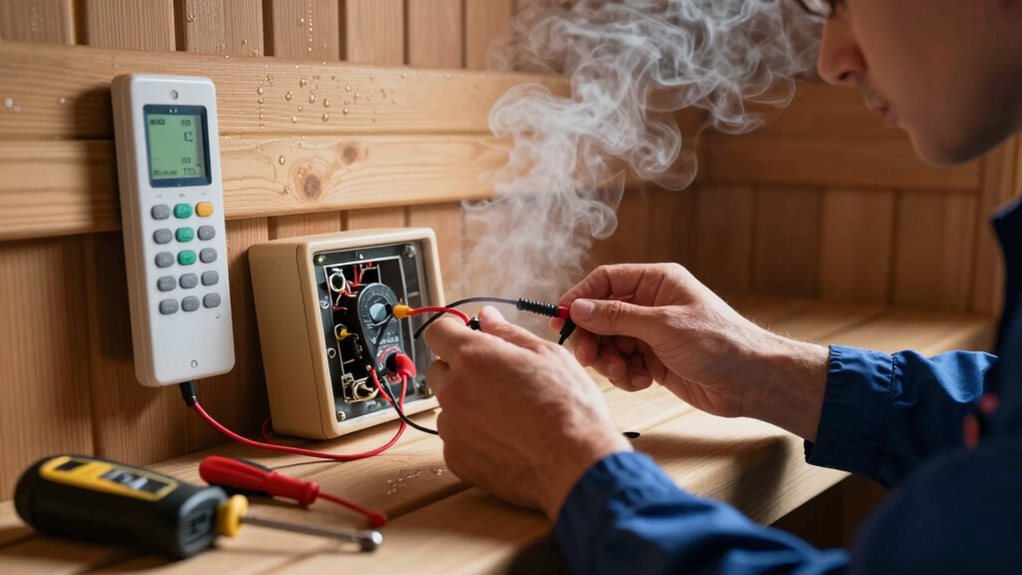
Diagnosing faulty remote control circuitry in sauna systems requires a methodical approach to identify the root cause of malfunction. Look for visible signs first—bulging capacitors, burnt connectors, or discolored terminals often indicate component failure.
When troubleshooting sauna remote failures, begin with visual inspection—component damage provides immediate clues to circuit problems.
You’ll want to check power supply voltages with a multimeter, as unstable DC rails commonly cause erratic remote behavior.
If the control panel shows blank displays or flickering, suspect the switching transformer or filter capacitors.
When buttons work but heaters don’t activate, test the relay switching by measuring voltage on both sides. No voltage on the load side? That’s a failed relay.
For intermittent issues, examine PCB traces for moisture damage, especially in high-humidity environments.
Don’t forget to check for loose connections—sometimes simply reseating ribbon cables between the panel and receiver restores functionality.
Recalibrating Temperature Sensors for Accurate Remote Monitoring
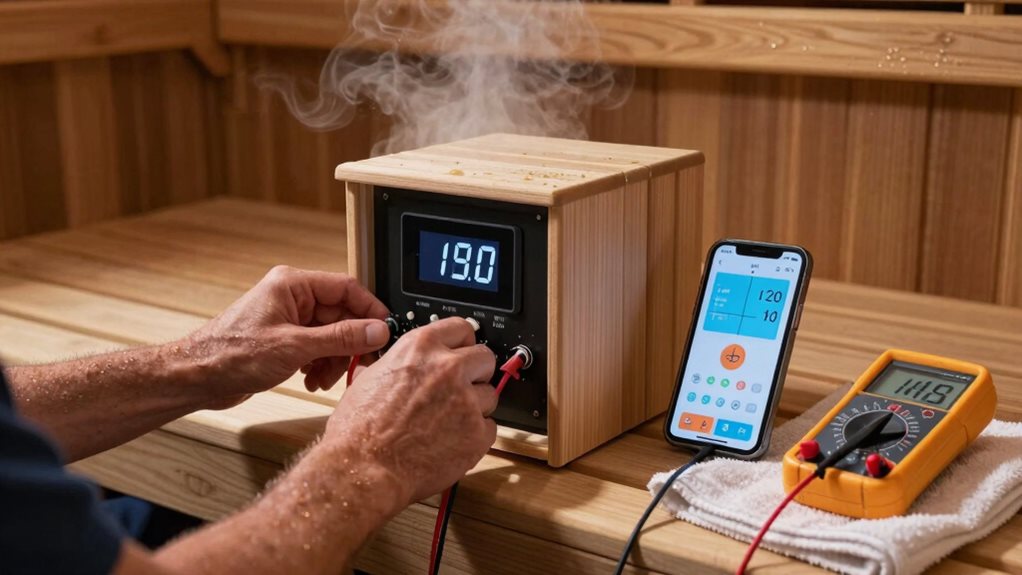
To get your remote sauna system working properly, you’ll need to place temperature sensors away from the heater, about 6 inches from the ceiling where readings are most accurate.
Before attempting calibration, reset your remote system to factory settings by disconnecting power for 30 seconds, which often resolves simple communication issues.
If you’re still experiencing inconsistent readings, check for signal interference from nearby electronics or metal fixtures that may be blocking communication between your sensors and the control unit. Regularly clean your instruments with a damp cloth to remove dust and residue that can affect humidity measurement accuracy.
Sensor Location Matters
When your remote sauna system displays inconsistent temperature readings, the culprit often lies in improper sensor placement rather than faulty equipment. Positioning sensors in direct airflow paths improves accuracy by 10-20% compared to stagnant areas.
For ideal results, mount your temperature sensors 1-1.5 meters above the floor—this height provides the most reliable monitoring range. Avoid installing sensors near doors or vents, where drafts can cause readings to fluctuate by 5-15%. Central room placement stabilizes readings within 2°C of actual conditions.
If you notice your sauna isn’t reaching set temperatures or is overheating, check sensor placement first. Sensors positioned too close to heating elements typically read 3-5°C higher than actual room temperature.
After repositioning, verify accuracy by comparing readings with a manual digital thermometer.
Reset Before Calibrating
Proper sensor placement is just the first step in confirming your remote sauna system operates correctly.
Before calibrating, you’ll need to reset your sensors to clear accumulated errors and establish a stable baseline.
To properly reset your sauna sensors, power cycle the control unit for 5-10 minutes, then disconnect and reconnect your remote monitoring app.
Don’t forget to flush calibration loops by cycling valves TV01-TV03 three times, and verify pump operation through the PT20 pressure sensor afterward.
Once reset, calibration requires matching your sensor with a reference thermometer in a stirred bath or dry-well.
Pay attention to immersion depth—for 1% accuracy, immerse the sensor at least 5 diameters plus the sensing element length.
Follow up with verification tests across five different temperature points to confirm reliability.
Signal Interference Solutions
Signal interference often disrupts even properly placed and calibrated sauna sensors, causing erratic temperature readings and unreliable remote monitoring. To minimize interference, shield your sensor from both physical and electrical disturbances.
Route sensor cables away from high-current power lines, maintaining at least 20-30 cm separation, and use metal housings to block RF interference from nearby wireless devices.
When troubleshooting signal problems:
- Compare readings between your remote sensor and a separate thermometer to identify suspicious spikes that don’t reflect actual temperature changes.
- Scan for strong RF sources (like Wi-Fi or Bluetooth) with a detector when communication errors occur.
- Check cable connections with a multimeter, as loose or corroded terminations create noisy signals that confuse your controller.
Use twisted-pair shielded cabling and implement proper grounding to further reduce noise in your system.
Resolving Connectivity Problems Between Remote and Control Panel
Connectivity issues between your remote and control panel can disrupt your relaxing sauna experience, turning what should be a stress-relieving session into a frustrating ordeal.
If your SaunaLogic2 won’t pair, enter pairing mode by holding the Bluetooth button until you hear one beep, releasing, then repeating until a second beep sounds. When “Con1” appears, select “Confirm Con is Control” on your app.
For “Con L” errors, simply reset by unplugging your sauna for 10 seconds or using the breaker panel if needed.
If your UKU WiFi controller fails to connect, capture a screenshot of the error log and email it to manufacturer support.
For blank control panels, have a certified electrician verify all cable connections match the installation manual diagram.
Troubleshooting Remote Timer and Programming Failures
Remote timer issues can transform your scheduled sauna sessions from relaxing escapes to frustrating no-shows. When your sauna doesn’t start on schedule, first check if your controller’s clock has drifted from actual time—this common problem requires simple recalibration against a reliable time source.
Three critical timer troubleshooting steps:
- Verify AM/PM settings are correct—many missed sessions happen because the system is set to PM when you meant AM!
- Look for overlapping timer entries that might conflict with each other, causing neither to activate properly.
- Make certain you’re following the exact save sequence—many systems require pressing “save” for several seconds to store your programming.
After power outages, always check your timer settings, as unstable power can corrupt your programmed schedules.
Addressing Wireless Connection Dropouts in Smart Sauna Systems
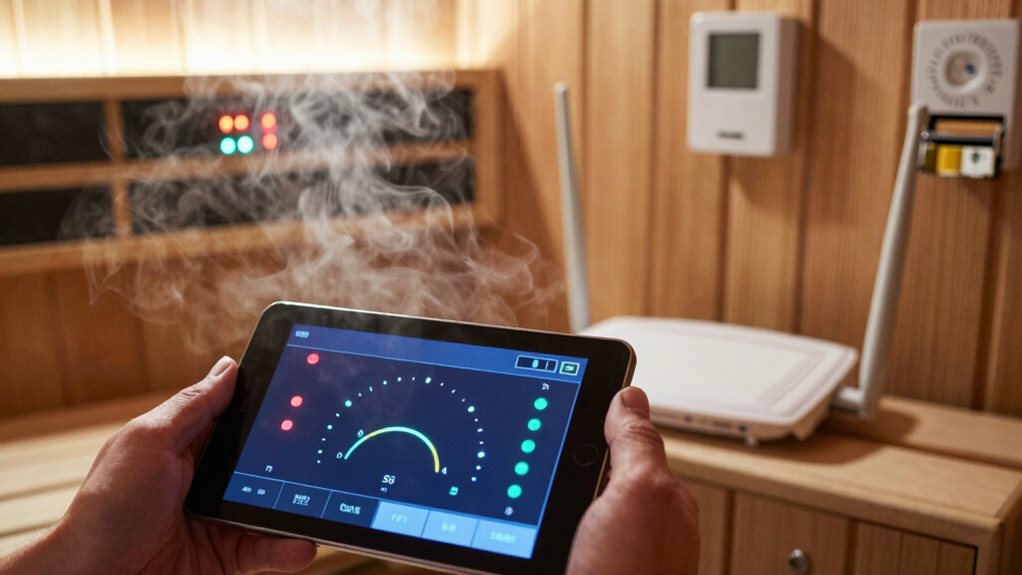
When your sauna refuses to connect wirelessly, what should have been a relaxing experience quickly turns frustrating. The most common issue is network configuration—your UKU controller needs separate 2.4 GHz and 5 GHz networks to connect properly.
If you see a “Con L” error, your sauna can’t find your WiFi.
Check your password carefully, noting uppercase and lowercase letters. Often, connection fails simply because of password entry errors.
Password errors are the silent saboteurs of sauna connectivity—double-check every character to ensure proper case sensitivity.
Try positioning your router closer to the sauna, as water movement interferes with signals.
If problems persist, power cycle your unit by unplugging for 10 seconds or turning off the breaker for 10 minutes.
For quick testing, connect your controller to your phone’s hotspot—if this works, your home network setup needs adjustment.
Preventive Maintenance for Remote Control Components
Regular maintenance of your sauna’s remote control components, though often overlooked, assures reliable performance and extends the system’s lifespan.
You should disconnect power before inspecting or cleaning any electronic parts, and wipe control panels with sauna-safe cleaners after each use.
For peak performance, follow these key practices:
- Check wiring connections quarterly for fraying or damage, making sure all power plugs remain securely connected.
- Clean ventilation openings around controls monthly to prevent dust buildup that can cause overheating issues.
- Test temperature controls regularly and reset them by powering off and on when troubleshooting connection problems.
Remember to schedule annual professional inspections of control panels and electrical components, and always use manufacturer-recommended replacement parts when repairs are needed.
Frequently Asked Questions
Can I Replace My Remote Battery Without Resetting Programmed Settings?
Yes, you can replace your remote’s CR2025 battery without losing settings. Your programmed preferences remain intact during battery replacement. Simply follow the correct insertion orientation when installing the new battery.
Why Does My Remote Work Inconsistently at Different Distances?
Your remote works inconsistently at different distances due to signal interference, battery weakness, physical obstructions, antenna alignment issues, or multipath reflections creating dead spots where signals cancel out.
Can Humidity Levels Affect Remote Control Performance?
Yes, high humidity levels can interfere with your remote’s infrared signal transmission. You’ll notice reduced range when humidity exceeds 80%, as moisture particles absorb and scatter the signal between devices.
How Do I Sync a Replacement Remote With My Existing System?
You’ll need to power-cycle your sauna, then follow your specific model’s pairing procedure: hold designated buttons, wait for blinking LEDs, and point the remote at the receiver.
Is There EMF Radiation Concern With Wireless Sauna Remotes?
Infrared remotes pose virtually no EMF concerns since they use light signals, not radiofrequency. However, WiFi or Bluetooth remote alternatives will add some radiofrequency emissions to your sauna environment.
Final Thoughts
By mastering these troubleshooting techniques, you’ll enjoy your remote-controlled sauna without frustrating interruptions. Remember, regular maintenance prevents most issues before they start. When problems occur, work systematically through signal interference, power supply, and connectivity checks. Don’t hesitate to consult your manual for model-specific guidance. With proper care and these troubleshooting skills, your high-tech sauna experience will remain relaxing and hassle-free for years to come.